
A creative studio for custom printables · Opening soon
Tell us what you need.
See your PDF take shape.
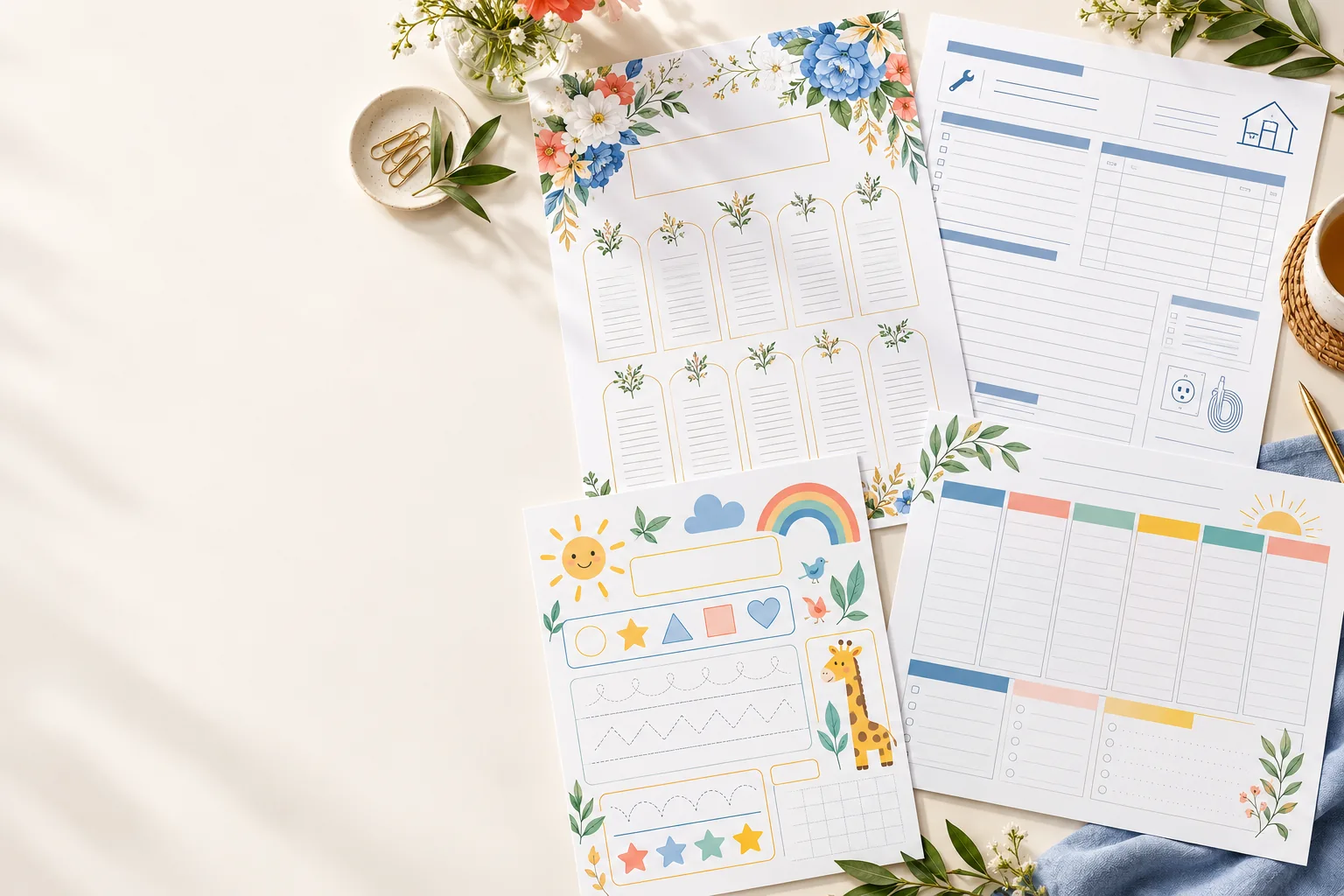
A wedding chart, a useful work form, a learning sheet or something entirely yours—planned around your words, your size and your style.
Explore the processSee the examples
When Studio opens: create an account → describe your PDF → review the plan and protected preview before using points.
How a piece comes together
- 1
Account and request
When Studio opens, create an account first. Then describe the piece in everyday language: its purpose, the words, the colours, and the size. The studio derives the page count from your brief and shows it with the quote.
- 2
Plan, size, price
A page-by-page plan, the format, and an indicative price come back together from that description.
- 3
Preview
You inspect the planned layout in a protected preview.
- 4
Revision
You adjust size, colour, and details. A different scope is a clearer description, and the plan is drawn again.
- Page plan
- Page by page, from the description.
- Size
- The format the piece needs.
- Indicative price
- Shown beside the plan.
Four kinds of piece
The same path, with details that belong to that job.
Floral wedding seating
A seating chart and matching place cards, set with your flowers and every name on the list.
Electrician forms
Job sheets for the van: site notes, materials, and a signature line, sized for the working folder.
Education worksheet
Questions at the level you name, with ruled space for the working.
Family planner
One household week, with your headings, your times, and the date you start.
From our rendering tests
Different jobs deserve different pages.
These are early technical proofs from the studio prototype, shown to explain the range—not finished customer commissions.
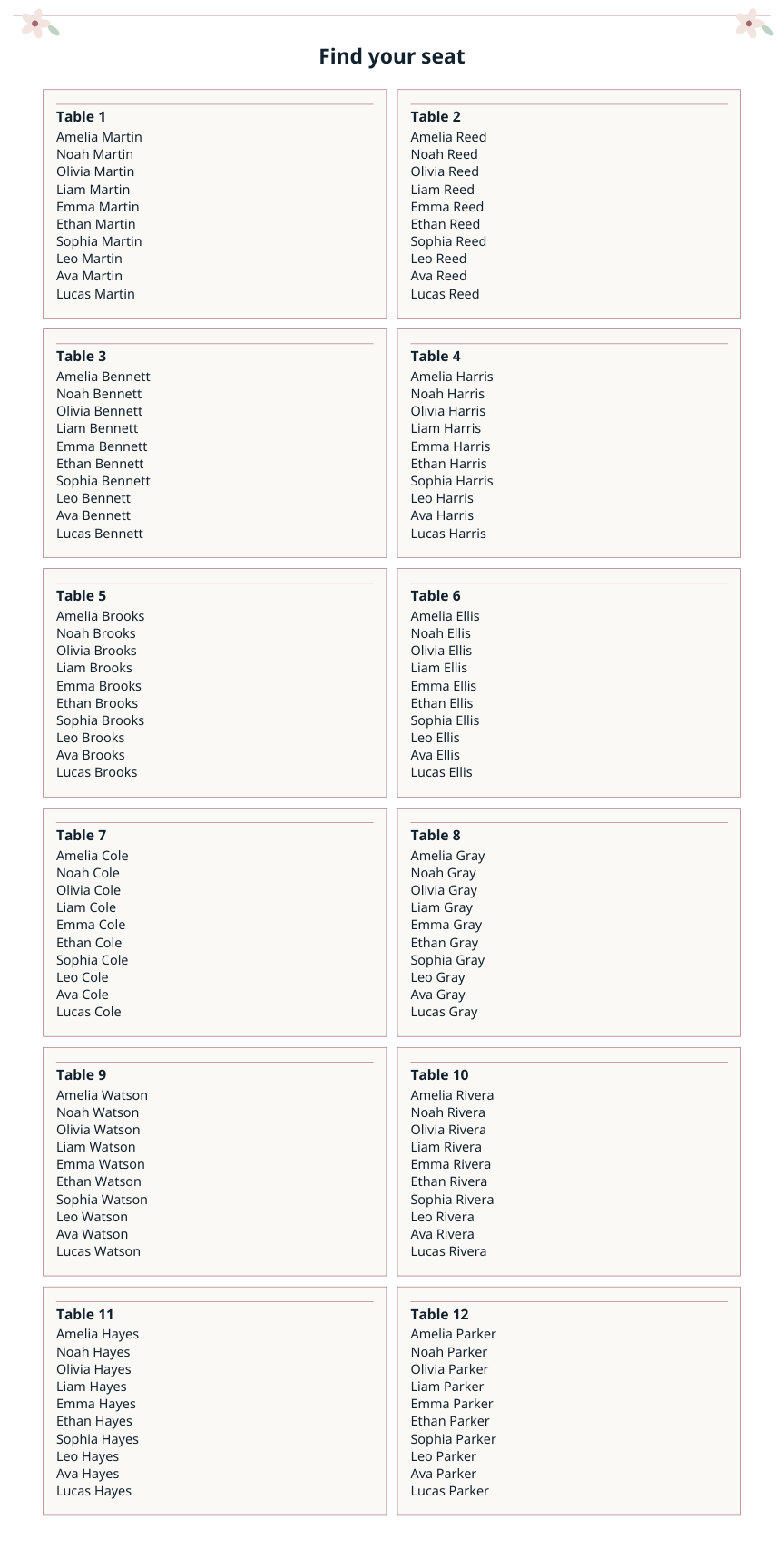
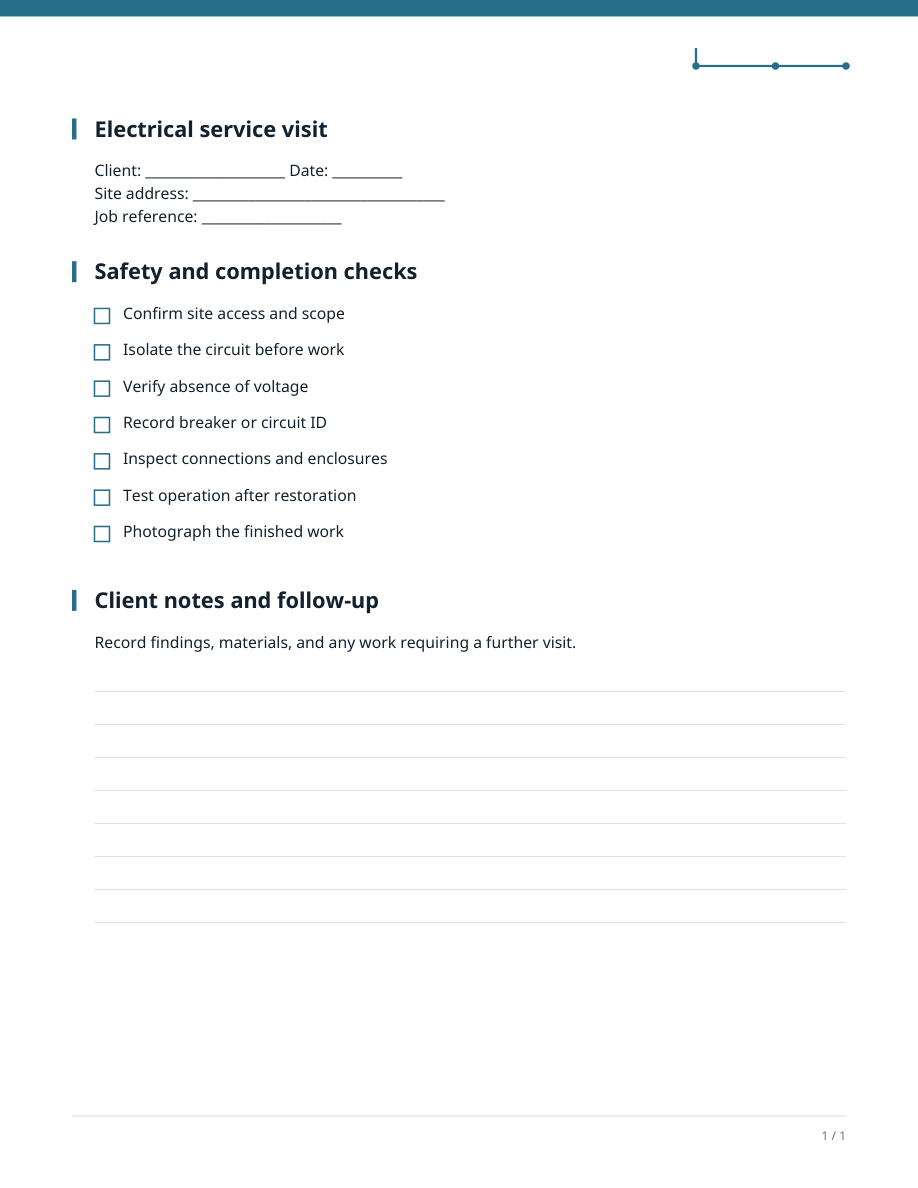
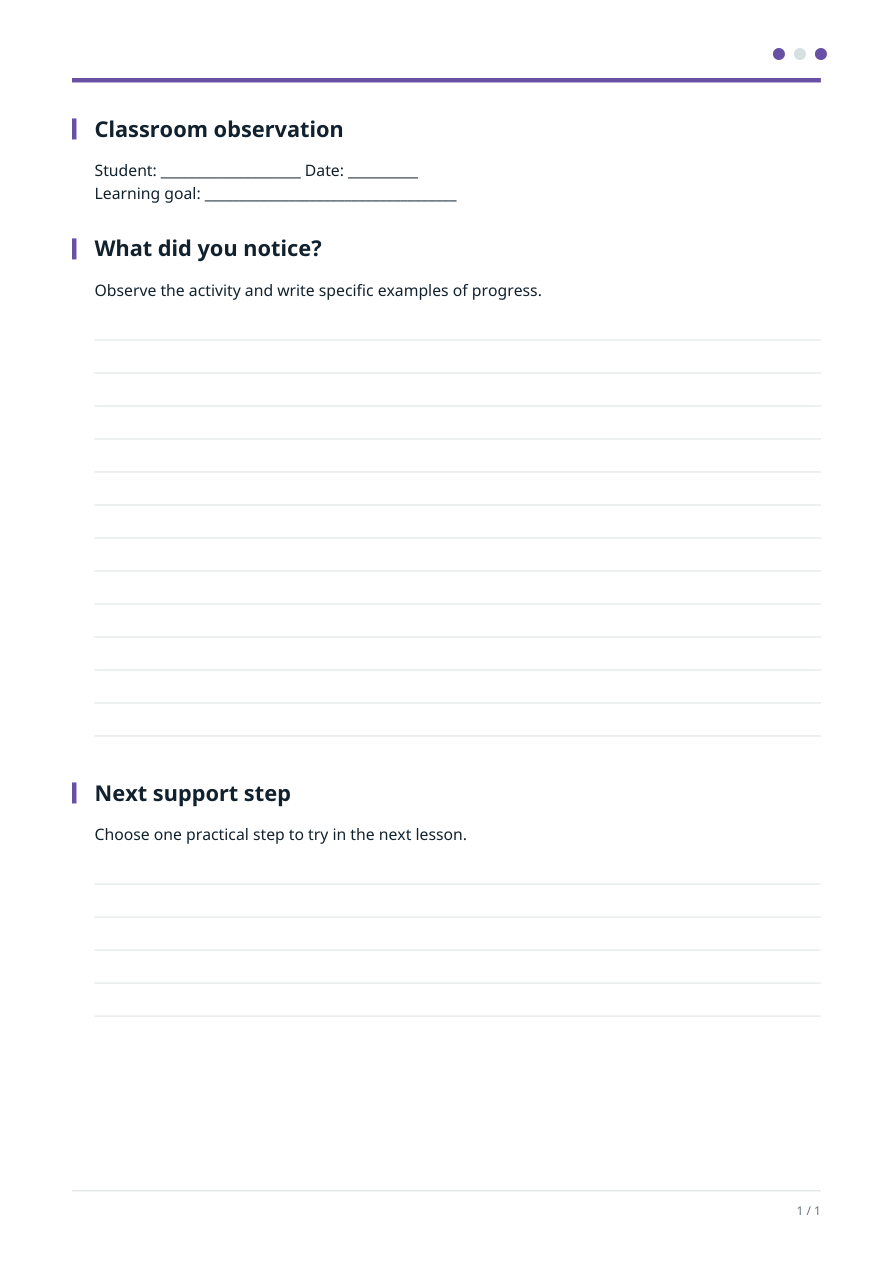
The final editor, AI content and production print checks are still being built.
No one-size-fits-all template
The brief is where the design begins.
Tell the studio who will use the PDF, what it must contain and where it will be printed. The proposed pages should follow that purpose—not force every idea into the same layout.
Follow the proposed journey“I need a seating chart for 12 tables, in a 40 × 80 inch format. Use the guest names I provide, with a calm floral style and clear table numbers.”
- All names and tables
- The exact print dimensions
- Readable spacing and visual style
Example of the intended workflow · Editor in preparation
Clarity before commitment
Know the pages and price before you spend.
The planned studio puts the page count, scope and points quote beside the brief. If you change the request, the plan and quote should change together.
How pricing will workPlanned experience · Orders, balances and checkout are not yet live.
Designed with purpose
The details decide the design.
A useful PDF starts with what it has to do. The format, page structure and visual tone should follow the brief—whether it is going on a wedding wall, in a work van or onto a classroom desk.
Right-sized for the use
From standard paper to a large seating chart, dimensions belong in the request and in the plan.
Styled for the niche
Florals for a celebration; clear fields and checkboxes for trade work. The design should serve the job.
Focused on your project
Names, wording and colours come from your brief. CADUnlock branding stays off customer PDF pages.
Studio in preparation
Have a particular PDF in mind?
See how the proposed process handles size, pages, revisions and cost while the editor is being built.